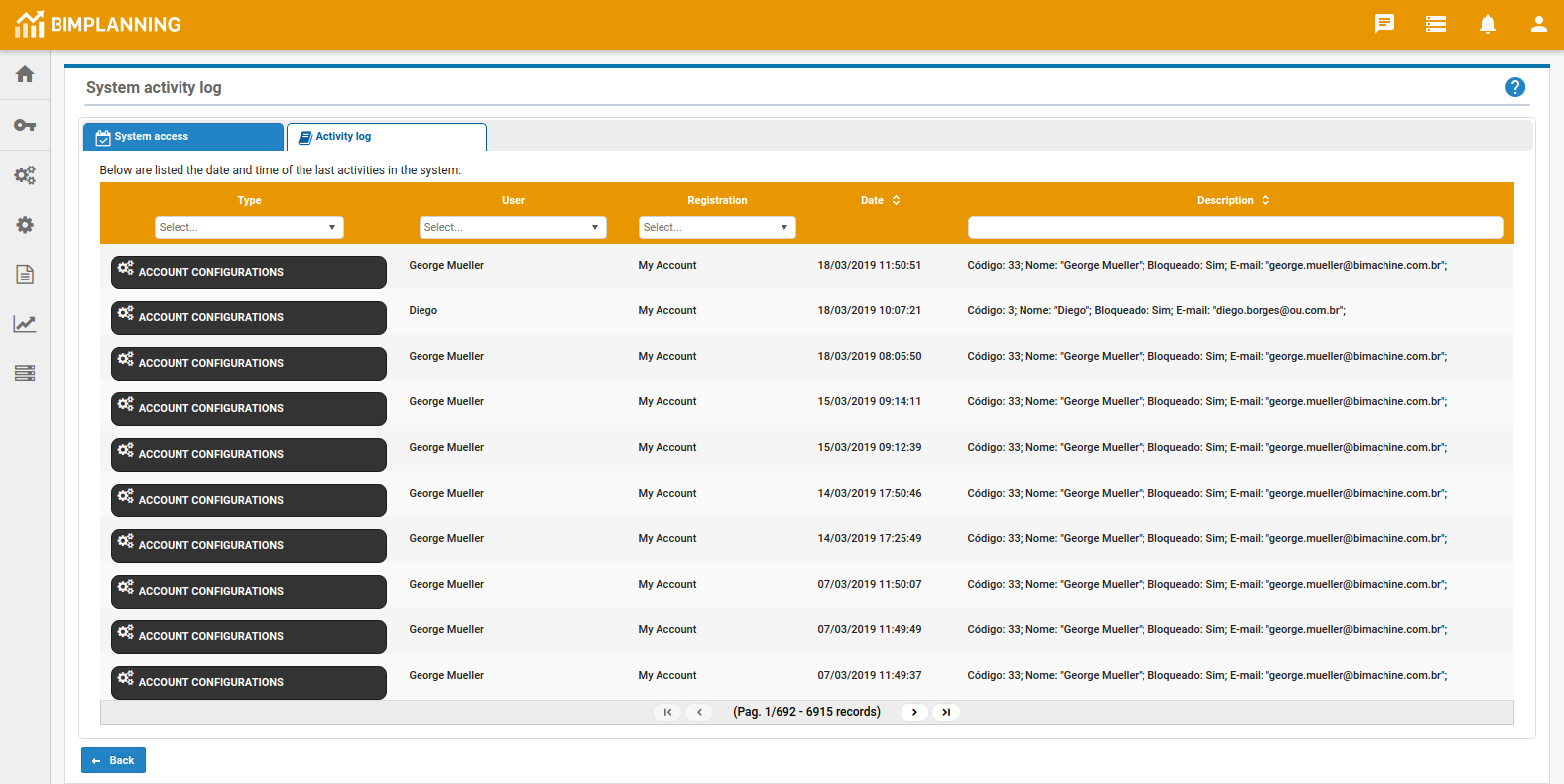
In the “System activity log” it is possible for the administrator user to view the date and time of access to the system or activities for the others users. To access the “System activity log” menu, simply click “Menu> System activity log”.
System Access
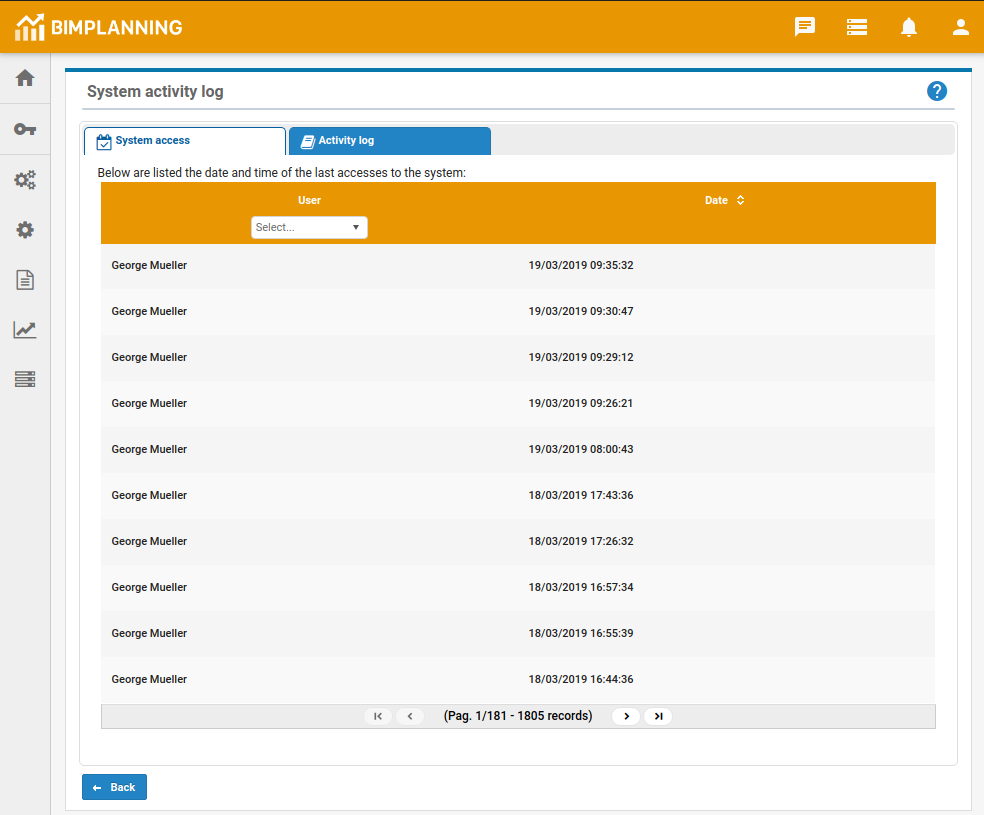
In this tab will be displayed the date and time of the last accesses that the users made in the system being possible to filter the accesses by a certain user.
In this tab will be displayed the date and time of the last accesses that the users made in the system being possible to filter the accesses by a certain user.
In this tab the last activities that the user performed in the system will be displayed, being possible to filter the activities by “User”, “Type” of the activity, “Description” or “Register” that refers to which page the activity occurred.