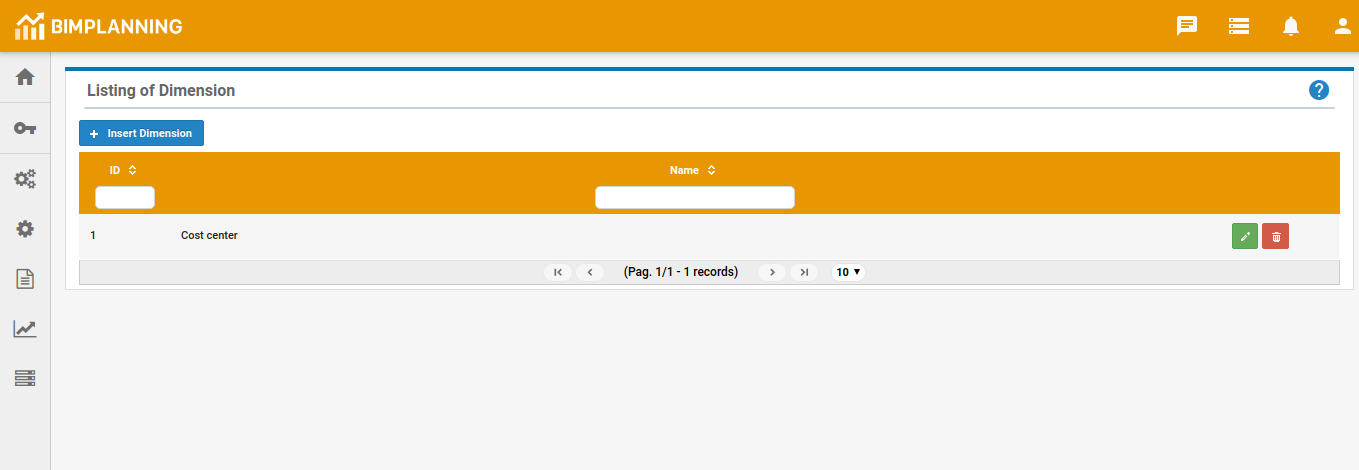
After creating the organizational structure of your organization is from the Dimensions screen that will be inserted the subsidiaries, cost centers or stores, depending on how the structure of your organization is composed. This functionality allows you to generate different views of the same chart of accounts, it will be used as a “filter”, so that a Profitability Analysis can be displayed through a specific or grouped cost center or subsidiaries.
Consider a multinational as in the figure below, configured with a composite structure organization (2 levels of hierarchy) and defined with the dimensions head office A, which in turn has the cost centers CC-1 and CC-2, while the head office B has only the CC-3.
Consider a multinational as in the figure below, configured with a composite structure organization (2 levels of hierarchy) and defined with the dimensions head office A, which in turn has the cost centers CC-1 and CC-2, while the head office B has only the CC-3.
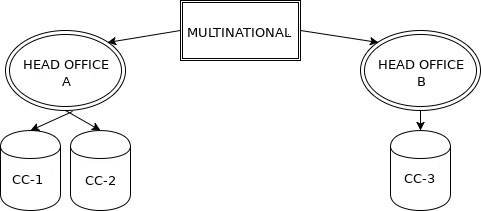
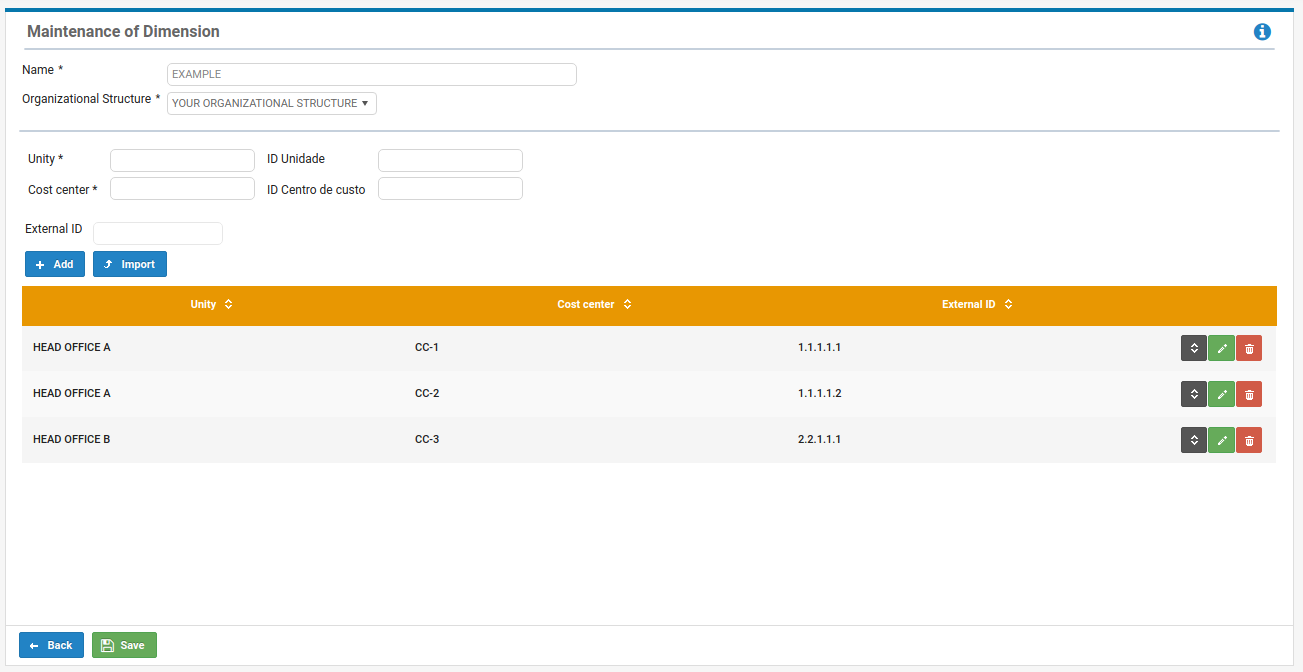
With these dimensions we can visualize in the P&L the results separately by CC, HEAD OFFICE or as the MULTINATIONAL all (all grouped). Below is the Dimension setting in Planning for this view type.
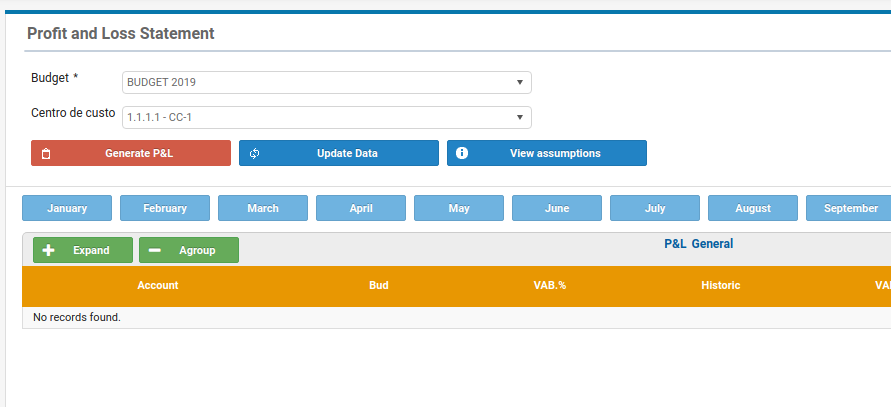
Final result with visualization in the P&L:
Gerenciando dimensões
O menu de gerenciamento de dimensões pode ser acessado pelos administradores do sistema através do “Menu> Administrativo> Dimensões”. Ao acessar o ambiente uma listagem de dimensões será exibida a você conforme a figura abaixo.