
You can view the system as another user, to gain access to the modules and features that are made available to it. To do this access “Menu> Administration> Another user view” as shown below.
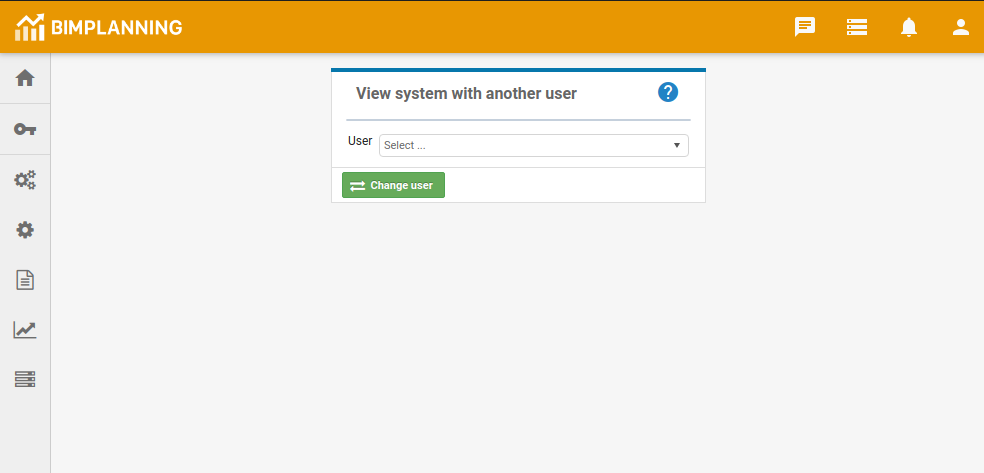
By clicking “Change User” you will be redirected to the home page as if you were logged in as the selected user.
To exit the “Preview another user” mode, you must exit the system and re-enter your username and password.